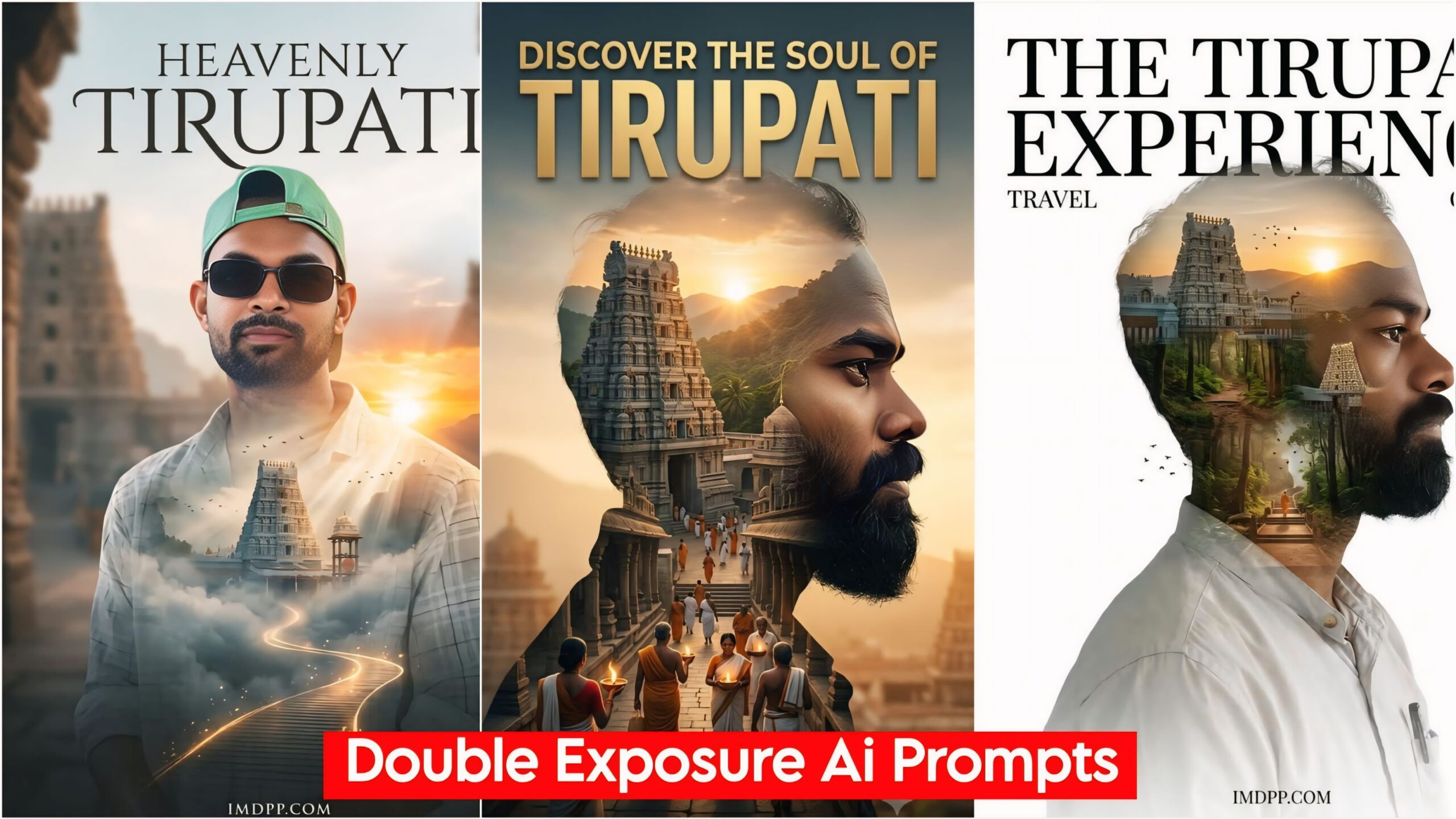
Double Exposure Ai Photo Editing Prompts, Friends, in today’s article, I’ve brought you some truly amazing and unique looking Ai Prompts. As you know, we cover news, games, and movies on our website. We also thought we’d do something new for photo enthusiasts. Keeping that in mind, we’ve provided these Ai Prompts for you, allowing you to create a unique and beautiful look for your photos. You won’t find these Ai photo editing prompts anywhere else; they’ll match your face 100%.
Double Exposure Ai Photo Editing Prompts
In this I have given you the top 5 Ai Prompts with the help of which you can give a good look to your photo which is most visible because it looks like your face will appear double in it and in the middle of it, if you want to put the photo of any city or temple, then you just have to write the name, your photo will be ready in just 2 minutes, in this you will get to see photos in different poses and at different places, you have to copy whichever Prompts you like from this and paste it in your Google Gemini or ChatGPT, your photo will be ready.
Double Exposure Ai Photo Editing Prompts 2026, Created Trending Ai Photo Editing
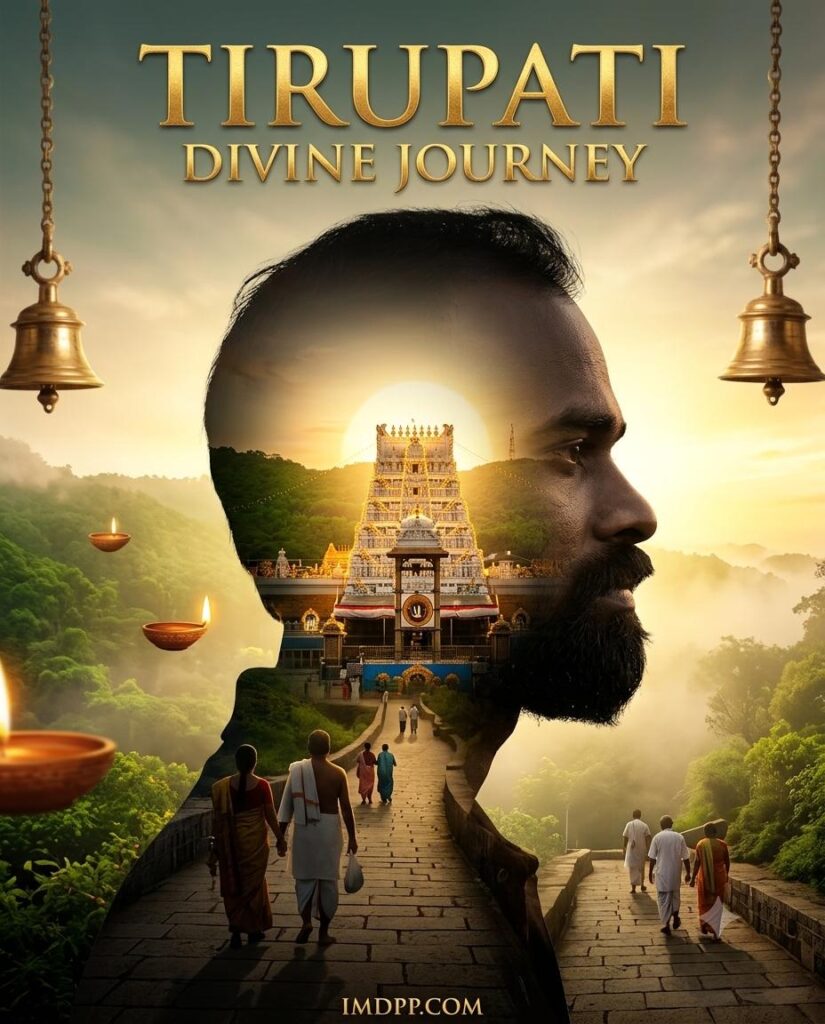
Create an ultra-realistic double exposure spiritual poster using the uploaded face reference. A realistic side-profile silhouette with perfect face matching contains a glowing golden Tirupati pilgrimage scene. Inside the silhouette, show the temple illuminated by sunrise, floating diyas, sacred bells, pilgrims walking on stone pathways, lush green hills, and heavenly golden light. Premium luxury typography with “TIRUPATI DIVINE JOURNEY” at the top and “IMDPP.COM” at the bottom. Cinematic lighting, ultra-realistic details, soft fog, emotional spiritual atmosphere, masterpiece quality, 4K, 4:5 ratio, original copyright-free artwork.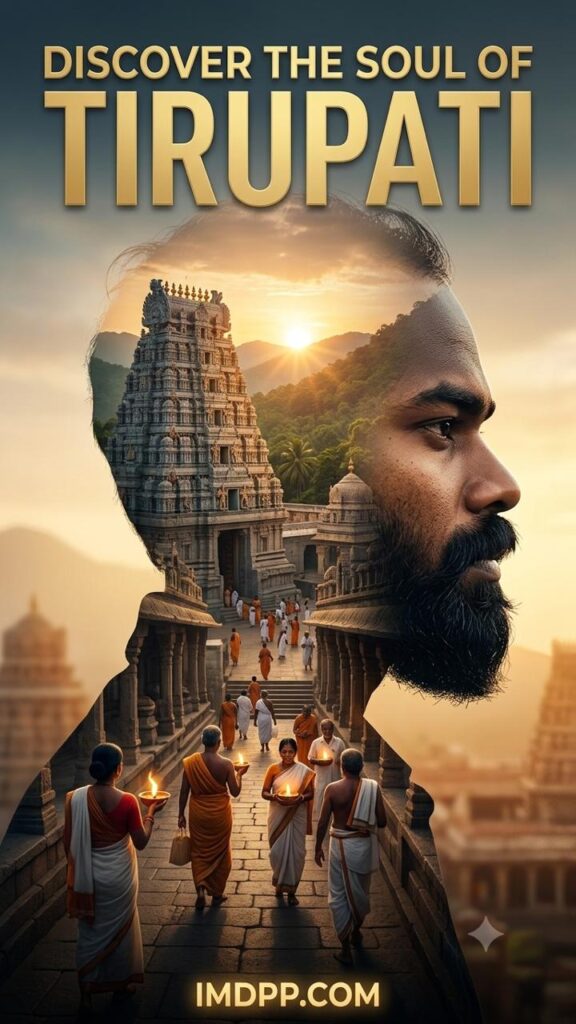
Create an ultra-realistic viral travel poster using the uploaded face reference. A large side-profile silhouette filled with multiple scenes of Tirupati including temple, forest, sunrise, pilgrims, mountains, sacred lamps, and spiritual architecture. Dynamic double exposure effect, cinematic depth, luxury typography, bold title “DISCOVER THE SOUL OF TIRUPATI”. Add glowing website branding “IMDPP.COM” integrated naturally into the design. Premium travel advertisement style, ultra-detailed, emotional, realistic, 4K, original copyright-free masterpiece.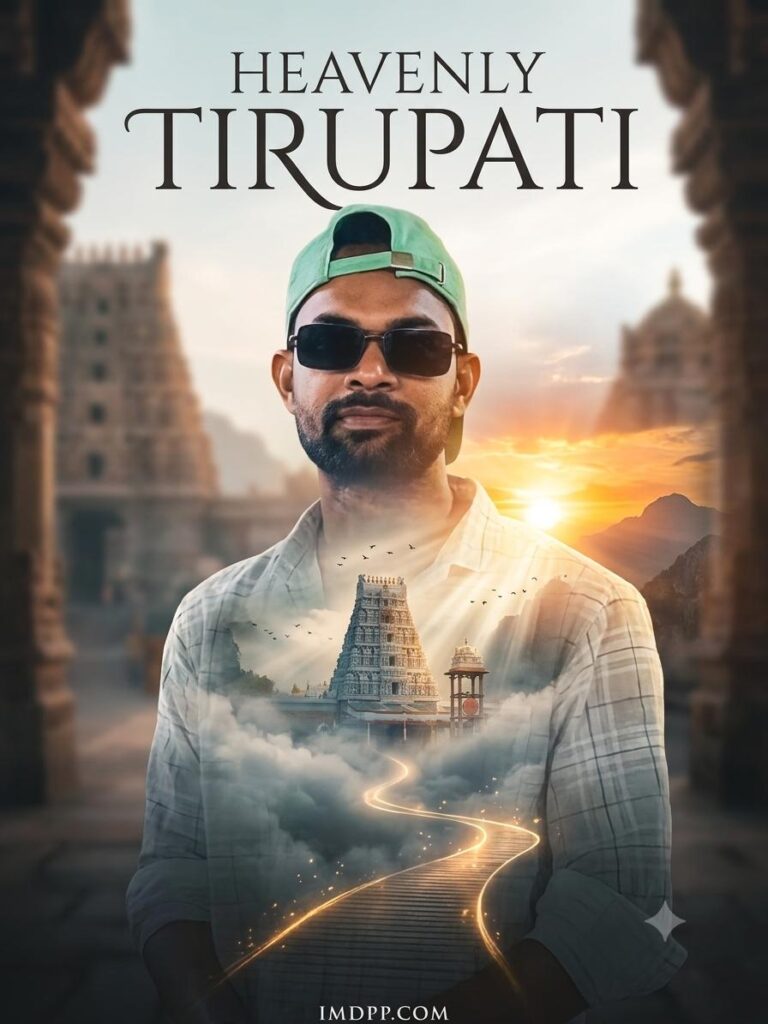
Create a fantasy-inspired double exposure travel poster using the uploaded face reference. The silhouette contains floating clouds, divine light rays, Tirupati temple emerging from mist, birds, mountains, glowing pathways, and a magical sunrise sky. Realistic face matching, same outfit, premium cinematic atmosphere, emotional spiritual journey. Include “HEAVENLY TIRUPATI” and “IMDPP.COM” in elegant typography. Ultra-HD 4K, masterpiece quality, unique composition, copyright-free design.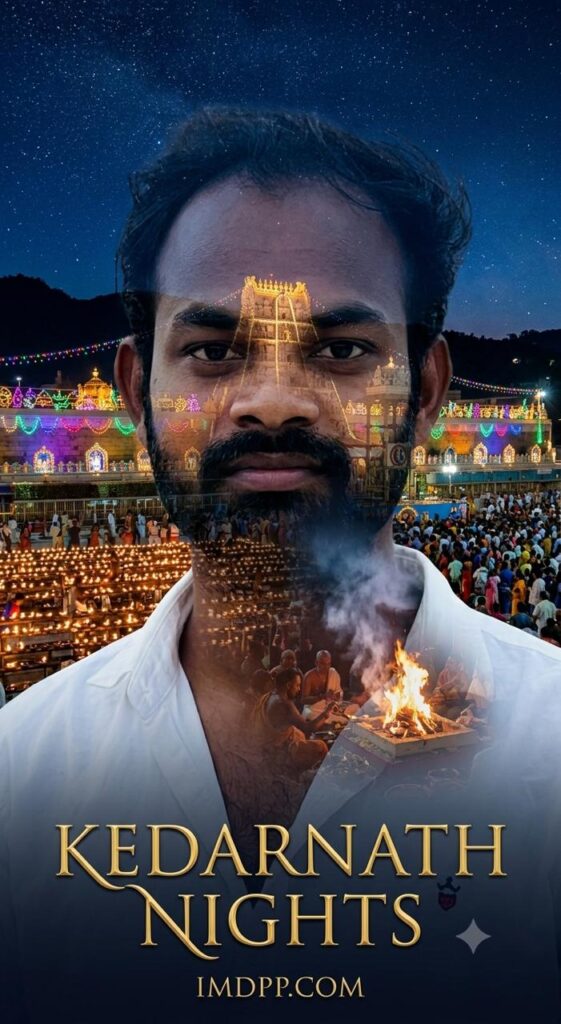
Create an ultra-realistic double exposure night poster using the uploaded face reference. Inside the silhouette, show Tirupati temple glowing at night, thousands of lamps, devotees, colorful lights, sacred rituals, floating smoke, stars in the sky, and mystical spiritual energy. Elegant typography with “KEDARNATH NIGHTS” and “IMDPP.COM”. Cinematic atmosphere, realistic shadows, luxury poster design, highly detailed, 4K quality, original copyright-free artwork.Create Images Google Gemini Link
How To Make Double Exposure Ai Photo Editing Prompts
To use this, click on the link below. Log in with your Gmail and add your photo by clicking on the + icon below. Then, copy the prompts below the photo you like. Paste it onto any photo with your face. Your photo will be ready in a short while. Once it’s ready, you’ll need to download it. If you want to clear or retouch a little, you can do it with apps like PicsArt or Remini, or many others.
Conclusion: Double Exposure
Friends, you know that all the prompts I give are different and unique, and they work 100%. This Ai Prompt is amazing. It’s called Double Exposure Ai Photo Editing Prompts. We’ve explained all the details of it, all you have to do is follow it and create your photo. If you face any problems while creating, you can let us know by commenting. If you need any other prompts, you can comment.